
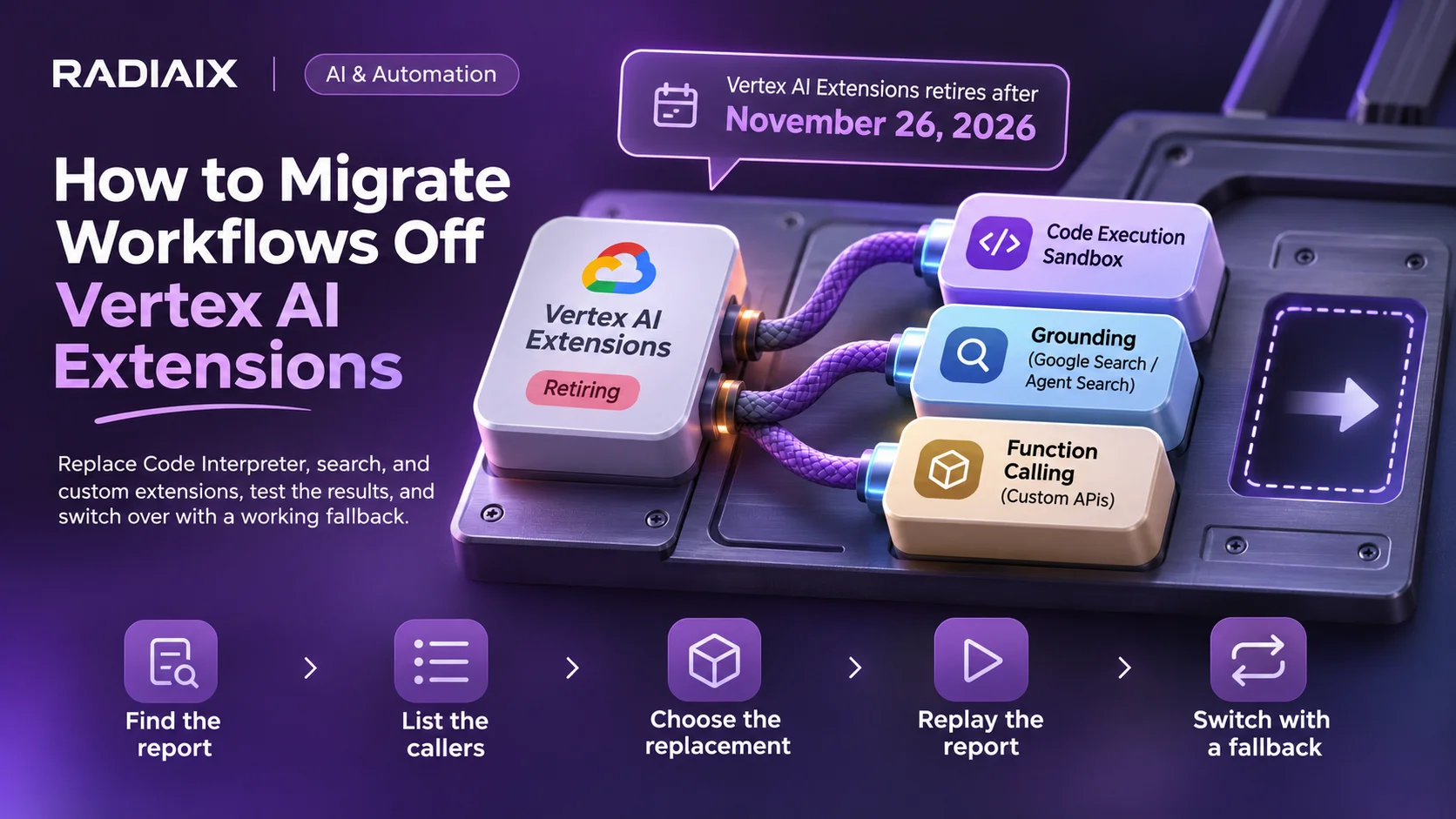
Find the report that depends on an extension
Imagine a Monday operations report that fetches the week's order records, counts fulfilled orders, and includes a link to the delivery policy. The report can look complete even if a tool has timed out and the model fills in a missing total. Give each tool a testable job before switching your reporting workflow to new tools.
Google Cloud says Vertex AI Extensions will stop working after November 26, 2026. Its migration guide gives separate paths for code execution, public web search, and custom API calls. Begin with one workflow whose results you can verify, using the same boundaries you would set when scoping an enterprise AI agent.
List each caller and the output it depends on
Start with the scheduled job that runs the report. Check its deployed configuration, code, and recent traces for extension resource names and operation IDs. Record what each call accepts, what it returns, which identity makes the call, and where the result goes. Check the operator's manual rerun path as well as the scheduler.
Give the workflow a named owner who can confirm the expected report and decide what to do when a dependency fails. That handoff belongs in the team's release ownership plan.
Choose a replacement for each job
Google's migration guide names three paths. Pick the tools based on what the old calls actually did.
- Code Interpreter. Use Agent Platform Code Execution Sandbox when the application needs to run code in a managed, isolated environment. Google's guide also offers Gemini's built-in code execution tool for running model-generated Python during a response.
- Google Search extension. Use Grounding with Google Search for public web sources. If the delivery policy lives in a private document collection, ground the answer in an approved Agent Search data store. Check the citation as well as the answer, just as you would when testing public documentation search.
- Custom OpenAPI extension. Use function calling for the order lookup. The model returns a proposed call with arguments. Your application validates the request, authorizes the caller, executes the lookup, and returns the result. Keep those decisions in the application using role-based workflow controls.
Replay a report whose totals you already know
Run the replacement workflow in staging with three batches. Two fulfilled batches contain eight and twelve orders. A canceled batch contains five. The report should show 20 fulfilled orders and cite the approved policy. Inspect the order lookup, calculation, and source URL separately so you can tell which step caused a mismatch. Add the case to your production AI evaluation set.
Repeat the run with the order service unavailable and with an identity that cannot read the test records. In each case, the report should state what it could not verify and leave the count blank. These checks belong in release QA with realistic failure conditions.
Switch with a fallback that survives the deadline
Turn on the replacement for one reporting job first. Verify the report through the same scheduled path an operator relies on. Record the input, validated total, source link, and errors in the release notes. That final check tests what the user receives, like a clean install after publishing a NuGet package.
Give the operator a fallback that works after retirement. They might run an existing reporting script or use a manual export with the same permissions. If the automated report cannot verify its data, queue it for review and show the operator which step failed. Keep that recovery path in the design of the production agent workflow.
Key Engineering Takeaways
Related Radiaix Systems, Services & Technical References
Google Cloud documents the November 26 shutdown deadline and how Vertex AI Extensions execute tools.
Google maps Code Interpreter, the Google Search extension, and custom extensions to their replacement tools.
Google distinguishes public Google Search from grounding on an Agent Search data store.
The documentation explains how the model proposes a call and the application executes it.
Frequently Asked Questions
When does Vertex AI Extensions stop working?
Google Cloud says Vertex AI Extensions will be shut down after November 26, 2026. Check deployed workflows for dependencies on the Extensions service before cutover.
What replaces a custom Vertex AI Extension?
Google recommends function calling for custom OpenAPI extensions. Define the tool and its arguments, then have your application validate and execute the proposed call and return the result.