What Cloudflare launched on November 25
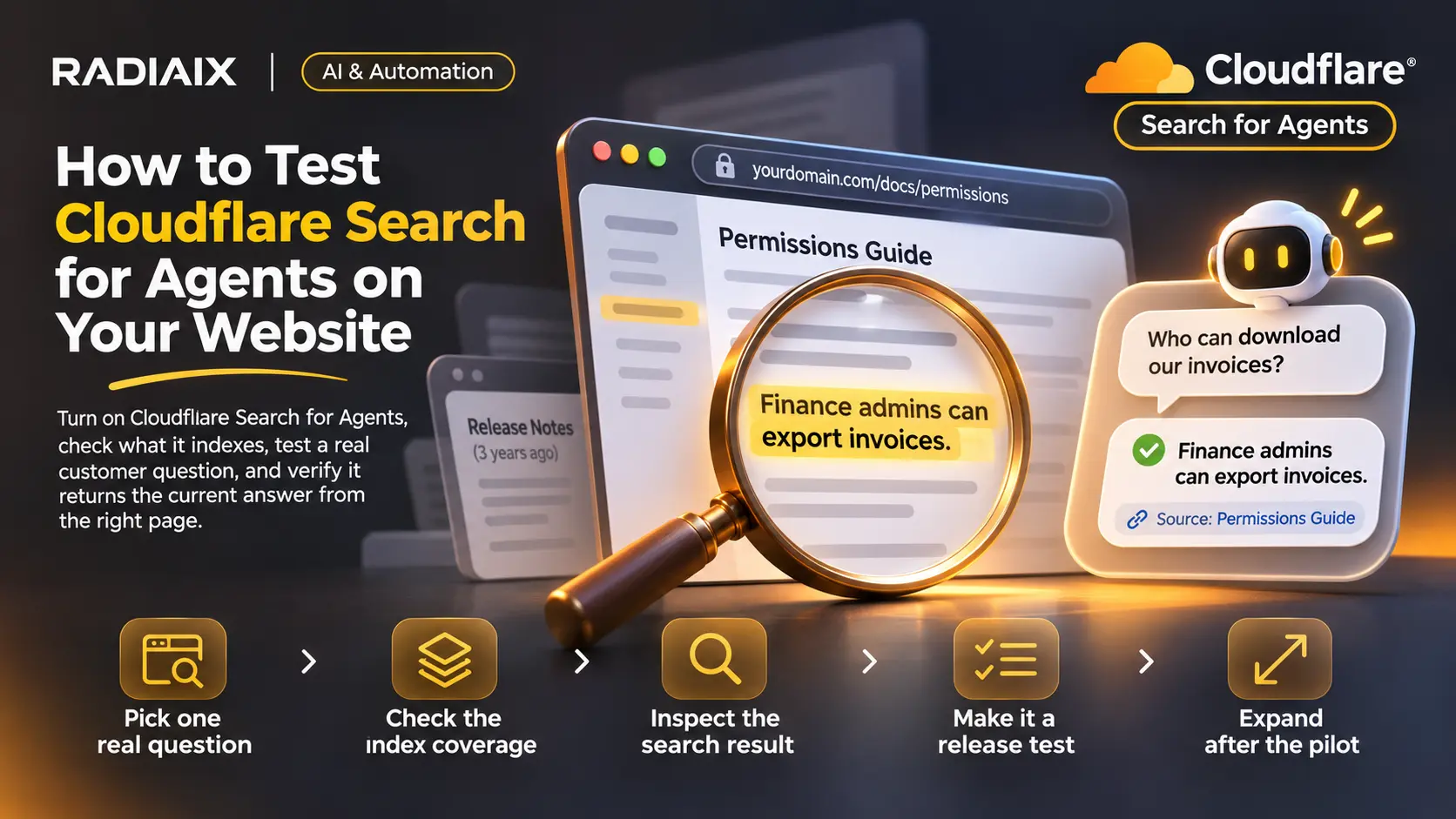
A customer asks whether their role can export invoices. Your current help page says finance admins can, but a three-year-old release note says account owners can. If a support agent retrieves the old note first, the customer may get an answer that was right three years ago.
On November 25, Cloudflare introduced Search for Agents in beta on all plans, subject to AI Search pricing and plan limits. When you turn it on for a domain on Cloudflare, it creates an AI Search index and advertises a search endpoint in the site's HTML metadata. The endpoint returns matching passages in Markdown alongside source references. The agent still decides how to answer.
Start with a question your docs already answer
Pick a recurring support question that has a single authoritative page. For the invoice example, record the URL of the current permissions guide and the sentence that says which role can export invoices. Try the wording a customer would use, such as “Who can download our invoices?” The source should still be the permissions guide. Capture the example in the engineering brief.
Write down what would count as a failure before you run the query. An old release note at the top is a failure even if the right page appears farther down. This is the same practice we use to define success when scoping an enterprise AI agent.
Check which pages made it into the index
Cloudflare's default setup for Search for Agents can discover pages through both sitemaps and links. If you want to test coverage before exposing a production domain to search, start with a test domain that serves only public documentation. Use the crawler's path filters to narrow the crawl and keep account pages and internal runbooks behind authentication. After the crawl, look for the permissions guide in the AI Search Items tab.
If the indexed text contains mostly navigation, configure a content selector for the article and check whether the role rule appears after the next crawl. A fix like this depends on the underlying web platform architecture. For sites with several documentation templates, checking what each one exposes belongs in web development.
Read the result before asking a model to use it
After indexing, send a GET request to /.well-known/search on your domain with the question in the q parameter. Open the highest-ranked result and read the passage beside its source URL. A snippet that says invoices can be exported is incomplete if it leaves out who can export them. Check both the source and the decisive sentence when evaluating whether you have a reliable production AI agent.
Keep the source URL visible in the agent's reply so the reader can inspect the evidence. For a different example of why that matters, see how reviewers can trace individual extracted fields back to the original document in our guide to AI document intelligence.
Turn the wrong result into a release test
Keep three cases for the first rollout. Ask a common question, rephrase it, and ask for a fact the public docs do not contain. For the first two, verify the source URL and the specific rule. Turn off the similarity cache in the test instance so both phrasings exercise retrieval independently. For the third, check that the agent says it could not find public guidance and gives the customer a path to support. Put those checks into your pre-release QA routine.
Repeat the checks after renaming a help page or changing the permissions policy. Wait for the index to refresh, then confirm the new rule appears and the old version no longer takes precedence. Have the quality assurance team run the same queries against both the endpoint and the customer-facing agent so a failure tells you where to look.
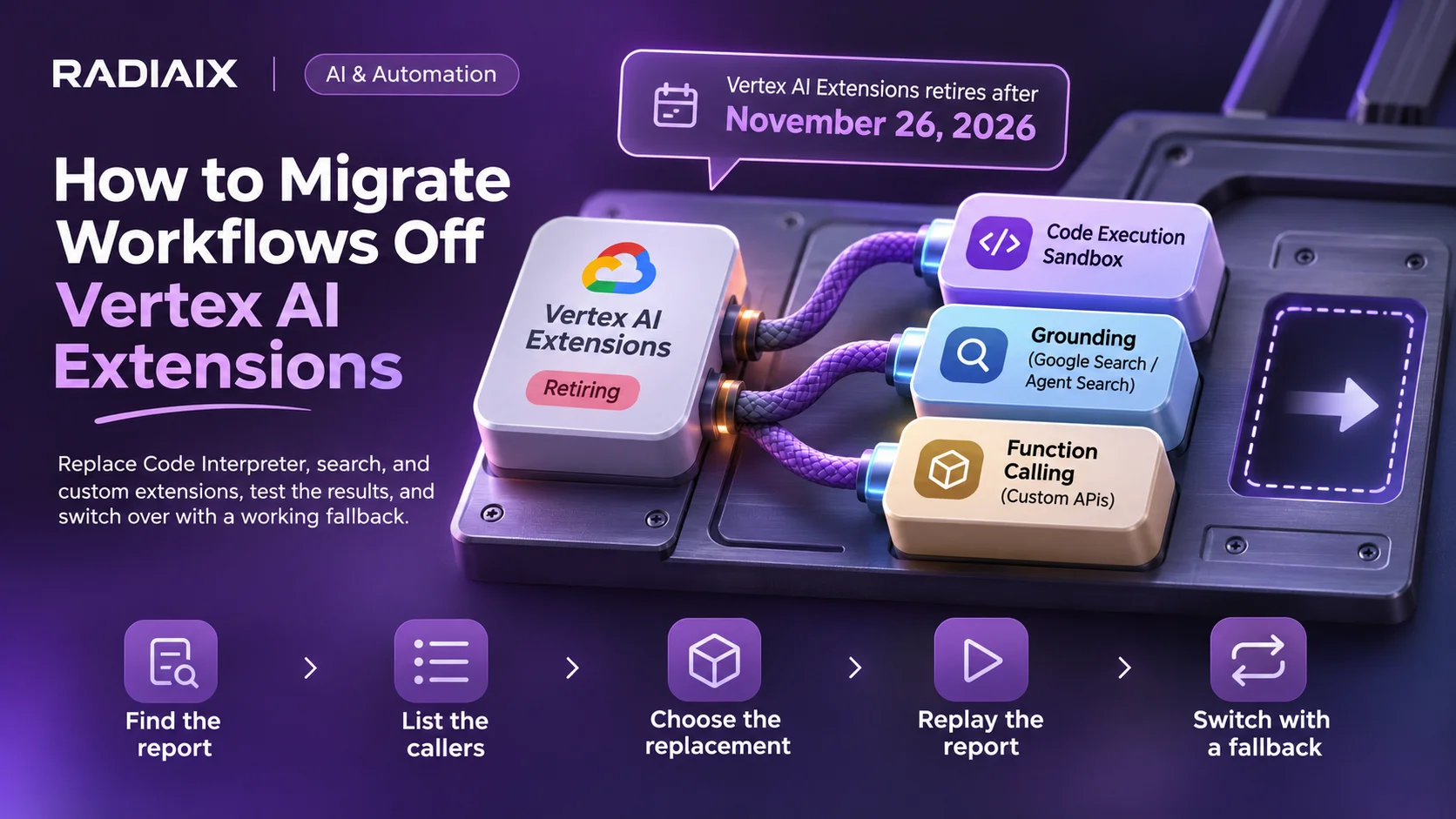
When the search provider changes, retest the complete workflow with known inputs, as in our guide to migrating from Vertex AI Extensions.
Expand once the first section works
Start with one public help section and watch query usage and failed searches before widening the crawl. If the answers depend on account data or actions like issuing refunds, build those capabilities as separate authenticated tools with explicit permissions. Public documentation search can still serve as a read-only source in an AI agent workflow.
Key Engineering Takeaways
Related Radiaix Systems, Services & Technical References
The November 25 launch announcement explains how agents discover and query the endpoint.
Cloudflare documents beta availability, default settings, and GET and QUERY requests.
The website data source guide covers path filters, crawl modes, and indexed items.
Frequently Asked Questions
Is Cloudflare Search for Agents available on the Free plan?
Yes. It is available in beta on all plans. Content ingestion, index storage, and queries are subject to AI Search pricing and plan limits.
Do I need Markdown for Agents to use Search for Agents?
Search for Agents works on its own and advertises the endpoint in HTML metadata. If you also enable Markdown for Agents, Cloudflare includes discovery information in the Markdown version of the page.